
Staying Engaged: An Artifact-Driven Workflow for Claude Code
A plugin for staying in the loop while your agent writes code

Point a coding agent at a well-scoped task and it will often deliver working code faster than you could write it yourself. The temptation is to lean into this: fire off a prompt, step away, come back to results.
I recently was reminded of the limits of this approach. Anthropic gave me credits to use Claude Code on the web, at this point in time, a more “fire and forget” interface than the terminal-based tool I usually work with.
For tightly scoped bug fixes and small features, it worked well. For anything more substantial, things could easily drift. The agent would make reasonable-seeming decisions that compounded into an implementation I hadn’t intended. If I had been paying for those tokens out of pocket, I would have been frustrated.
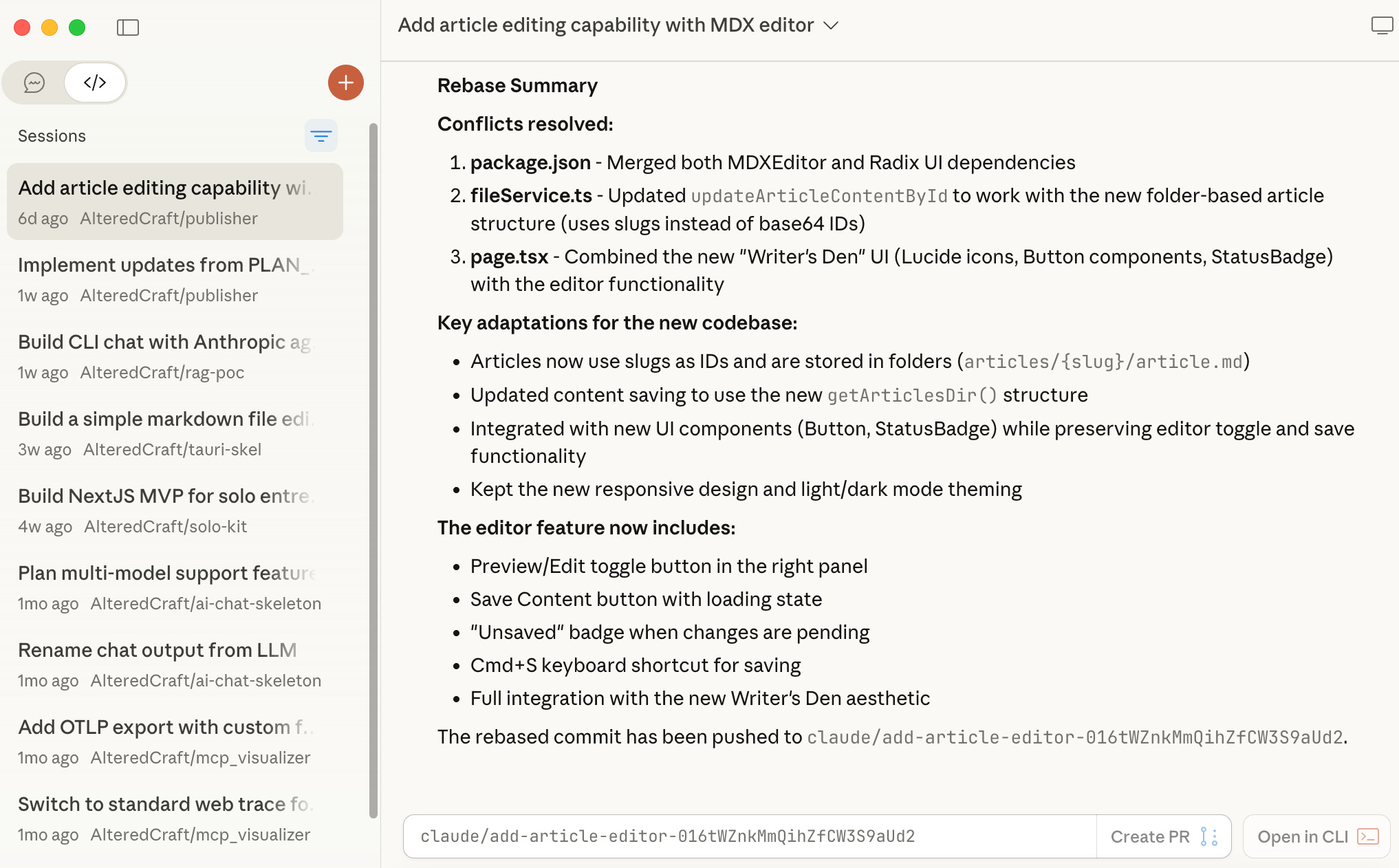
The issue wasn’t the agent’s capability. It was my disengagement. Without checkpoints to review and redirect, small misalignments became large ones. And beyond the wasted effort, I wasn’t learning anything about the code being written. I was a spectator, not an architect.
What Antigravity Got Right
When Google released Antigravity, their AI-powered IDE, I was curious enough to try it. I wasn’t tempted to switch from Claude Code. However, one aspect stood out: their artifact-driven workflow.
Antigravity structures work into three persistent artifacts:
Task List: Decomposes intent into trackable units of work
Implementation Plan: Details the technical approach before code is written
Walkthrough: Documents what was built with verification steps
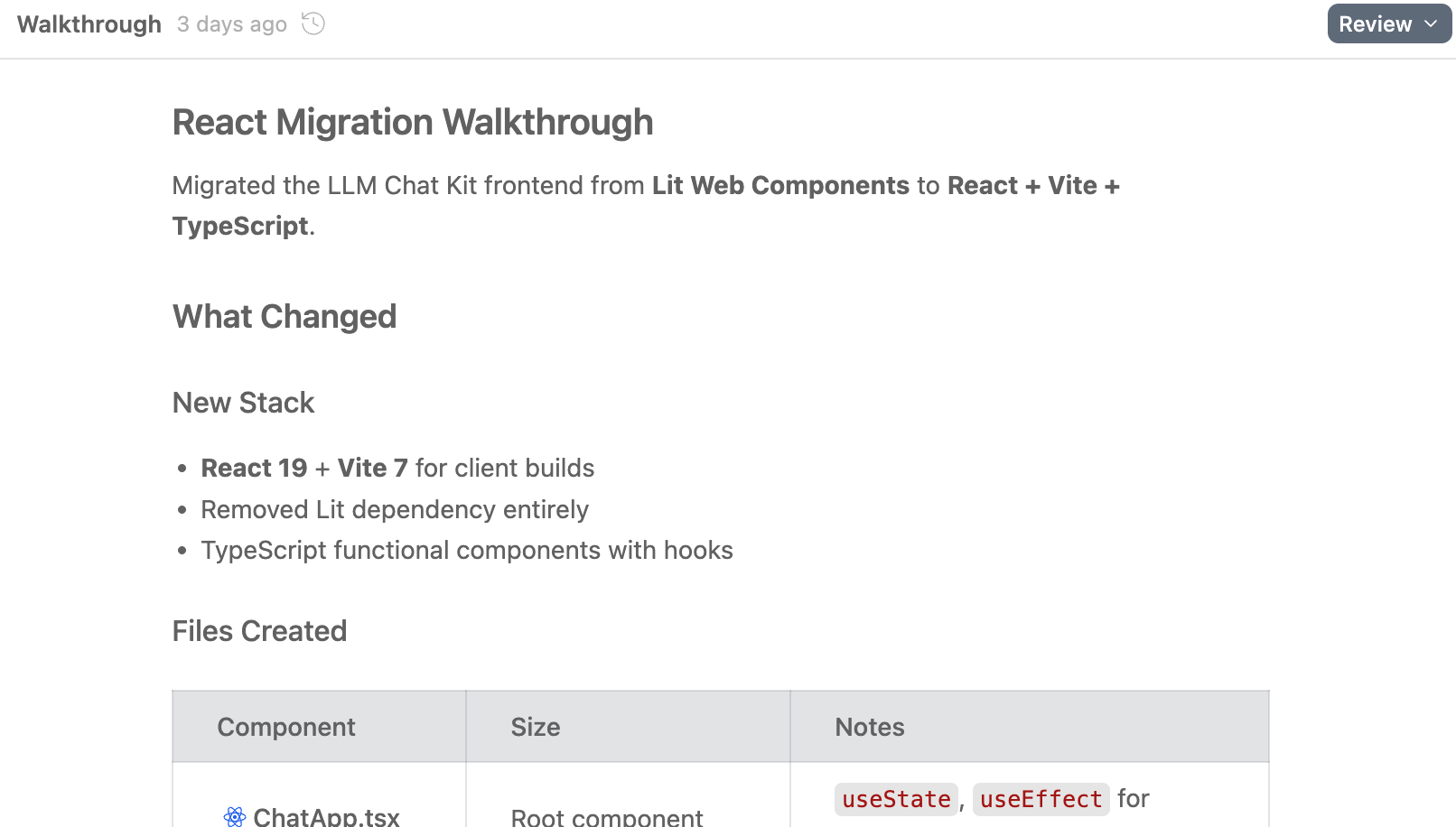
This structure forces engagement at the moments that matter. You review the task breakdown before planning begins. You approve the implementation plan before code is written. You verify results against documented expectations. The artifacts aren’t just project management overhead. They’re checkpoints that keep you in the loop.
Crucially, these artifacts are visible and reviewable throughout the process, not buried in chat history.
Adapting the Workflow to Claude Code
Claude Code doesn’t have this workflow built in. It does have a plan mode that creates a plan and asks for approval, but it’s ephemeral. Once you move on, the plan lives only in the conversation history.
What Claude Code does have is extensibility. The tool’s architecture treats customization as a first-class concern. Slash commands let you define custom entry points. Skills encapsulate reusable behaviors. Both are “just files” in your filesystem, which means you can version them, share them, and iterate on them easily.
I used these mechanisms to build my own artifact-driven workflow. The result is a /build command that orchestrates a set of skills, producing an artifact structure inspired by Antigravity but adapted to my preferences. One key difference: I wanted artifacts that literally persist in source control, creating a permanent record of how my projects evolved.
